Diagnostic Scan
診断スキャン
Read UID, NDEF records, used space, and chip capacity at sub-millimeter proximity.
UID、NDEFレコード、使用済み容量や空き容量を、数ミリの近接スキャンで瞬時に把握。
 v1.5 Official Release
v1.5 オフィシャルリリース
v1.5 Official Release
v1.5 オフィシャルリリース
NFC Implant Utility for LED-enabled NTAG I2C chips LED搭載NTAG I2Cチップ専用 NFCインプラント・ユーティリティ
The essential utility for xSIID and NeXT v2. Built for technical precision and seamless daily interaction. xSIIDやNeXT v2のための、日常的に使える決定版ユーティリティ。技術的な精度と、日々の運用の確実性を両立。
Read UID, NDEF records, used space, and chip capacity at sub-millimeter proximity.
UID、NDEFレコード、使用済み容量や空き容量を、数ミリの近接スキャンで瞬時に把握。
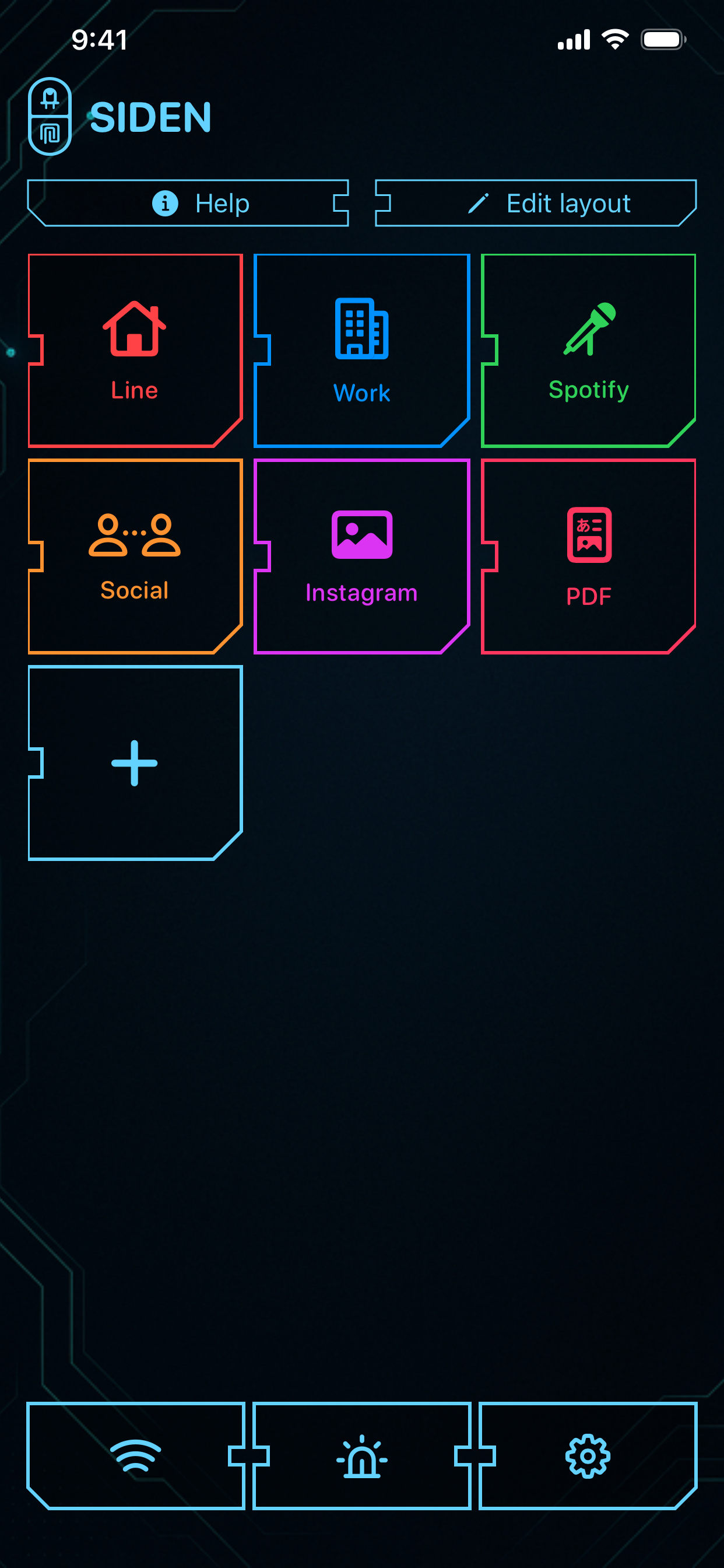
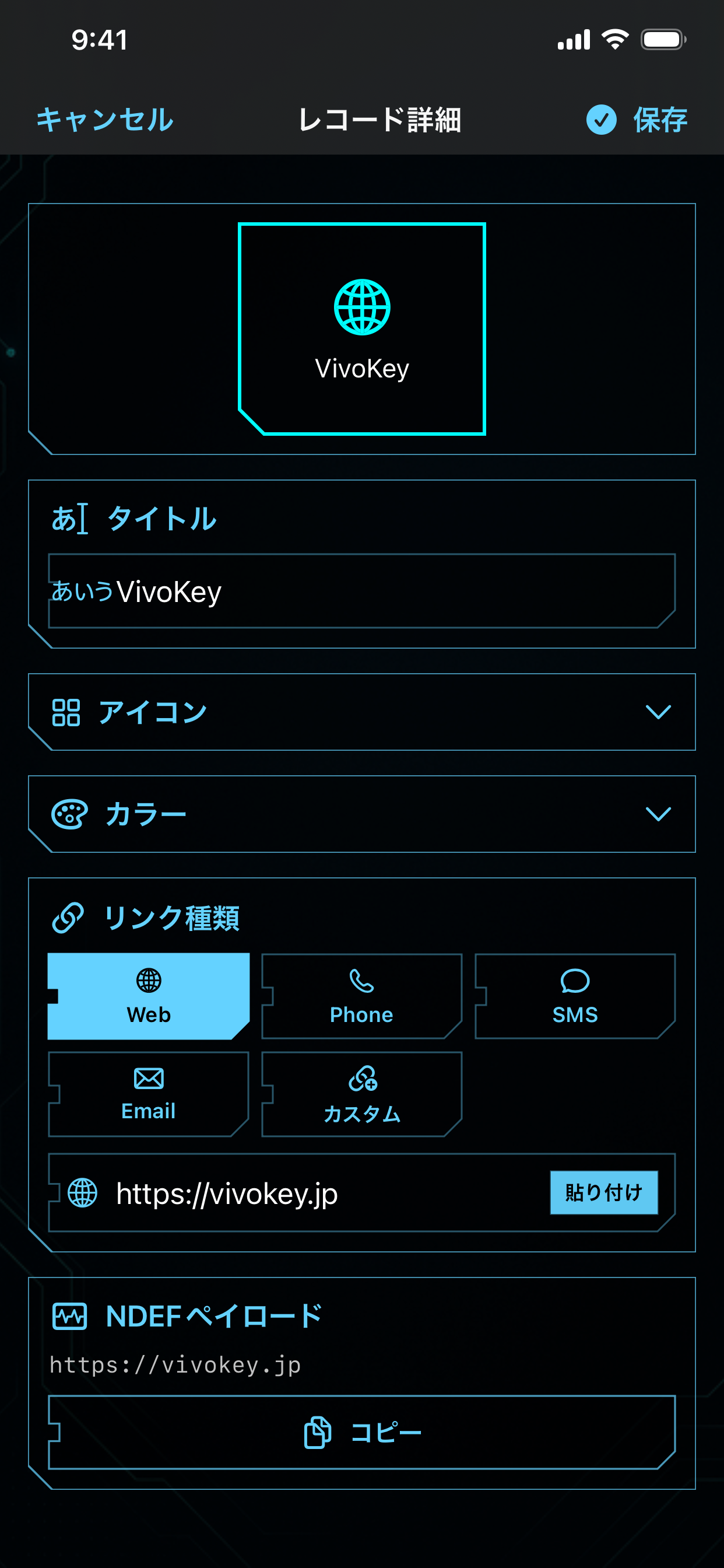
Construct a custom dashboard of reusable links and commands for rapid deployment.
よく使うリンクやコマンドをダッシュボードにタイルとして登録し、素早い書き込みを可能に。
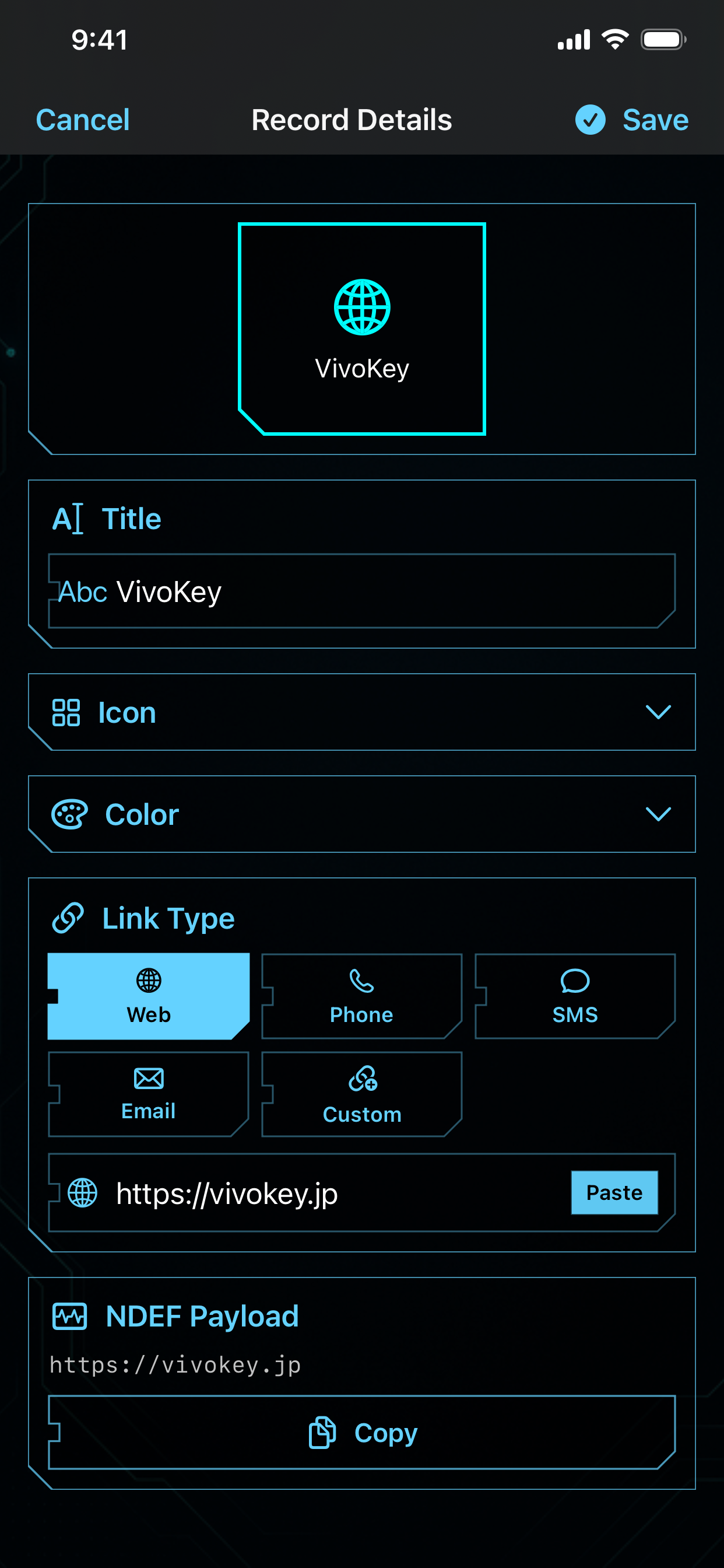
Write Web, Phone, SMS, and custom URI schemes directly to the implant memory.
Webリンク、電話番号、SMS、カスタムURIスキームなどを、インプラントのメモリに直接書き込み。
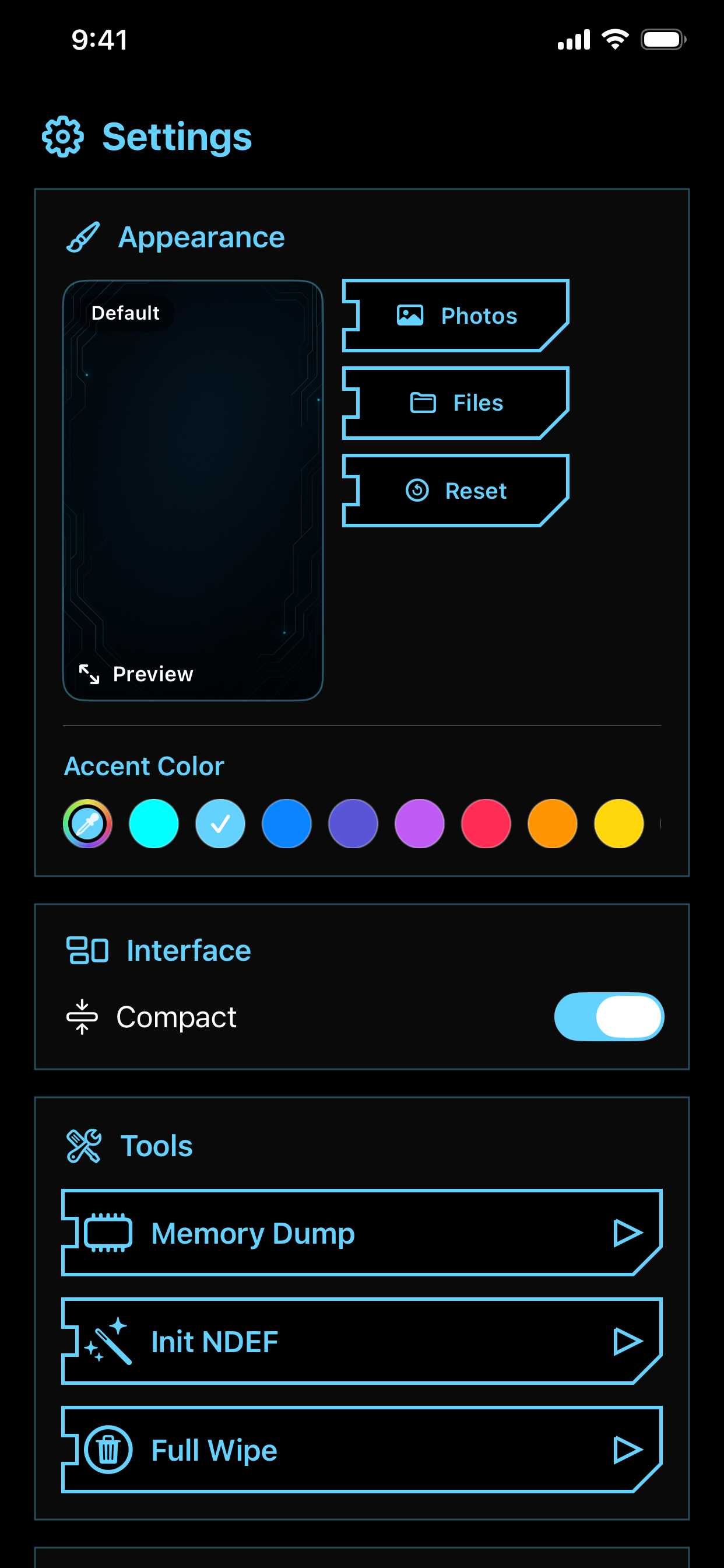
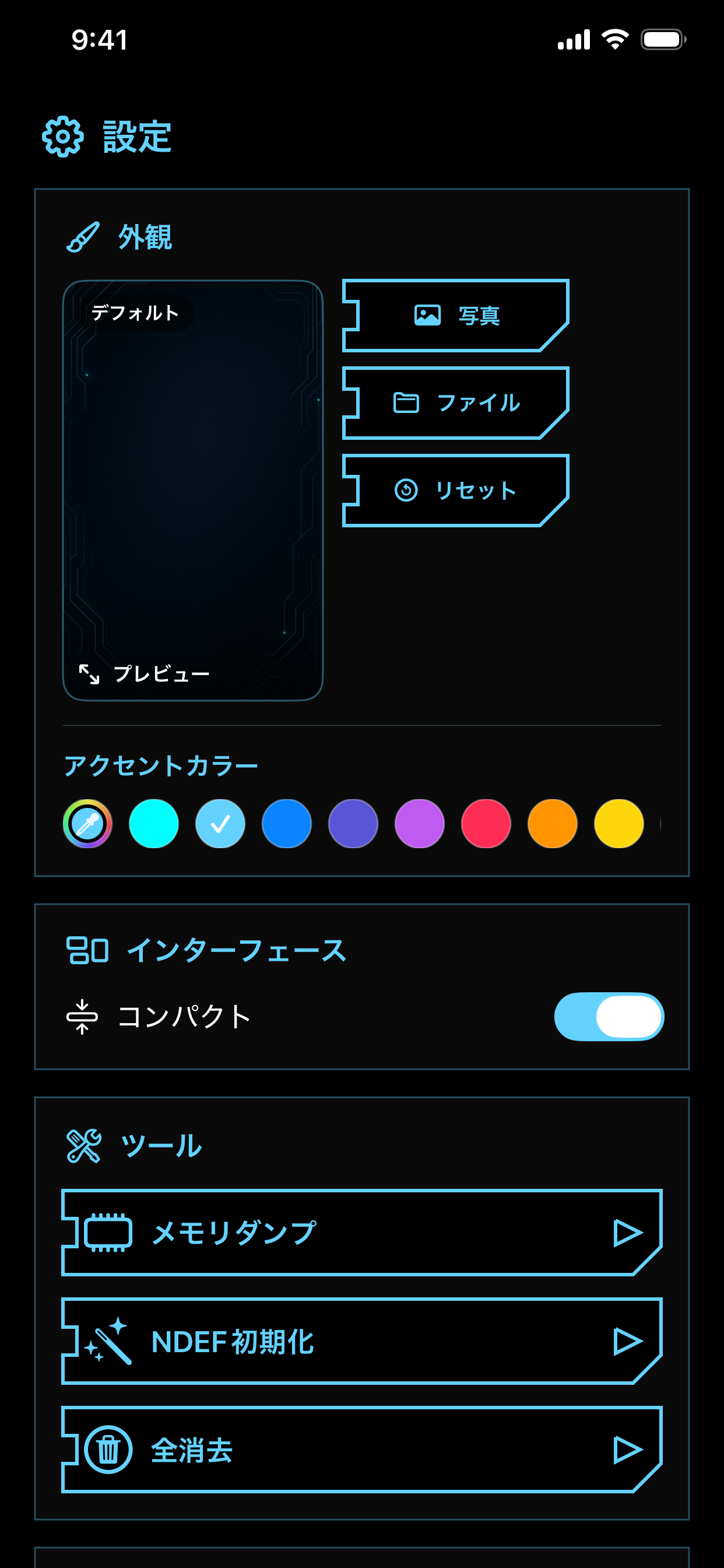
Access Memory Dump, NDEF Initialization, and User Memory Wipe for technical setup.
メモリダンプ、NDEF初期化、ユーザーメモリ・ワイプなど、技術的なセットアップに必要な機能を提供。
SIDEN provides a complete lifecycle for scanning, organizing, and writing data to compatible LED implants.
SIDENは単なるリーダーではありません。スキャン、整理、そしてLEDインプラントへのデータ書き込みまで、一貫したライフサイクルを提供します。
Verify UID and internal NDEF structure. Monitor memory utilization before committing new payloads.
UIDと内部のNDEF構造を検証。新しいデータを書き込む前に、現在のメモリ使用状況を確認できます。
Instantly convert scanned records into reusable dashboard tiles for future one-tap writing.
スキャンしたレコードをそのままダッシュボードのタイルとして保存し、いつでも再利用可能に。
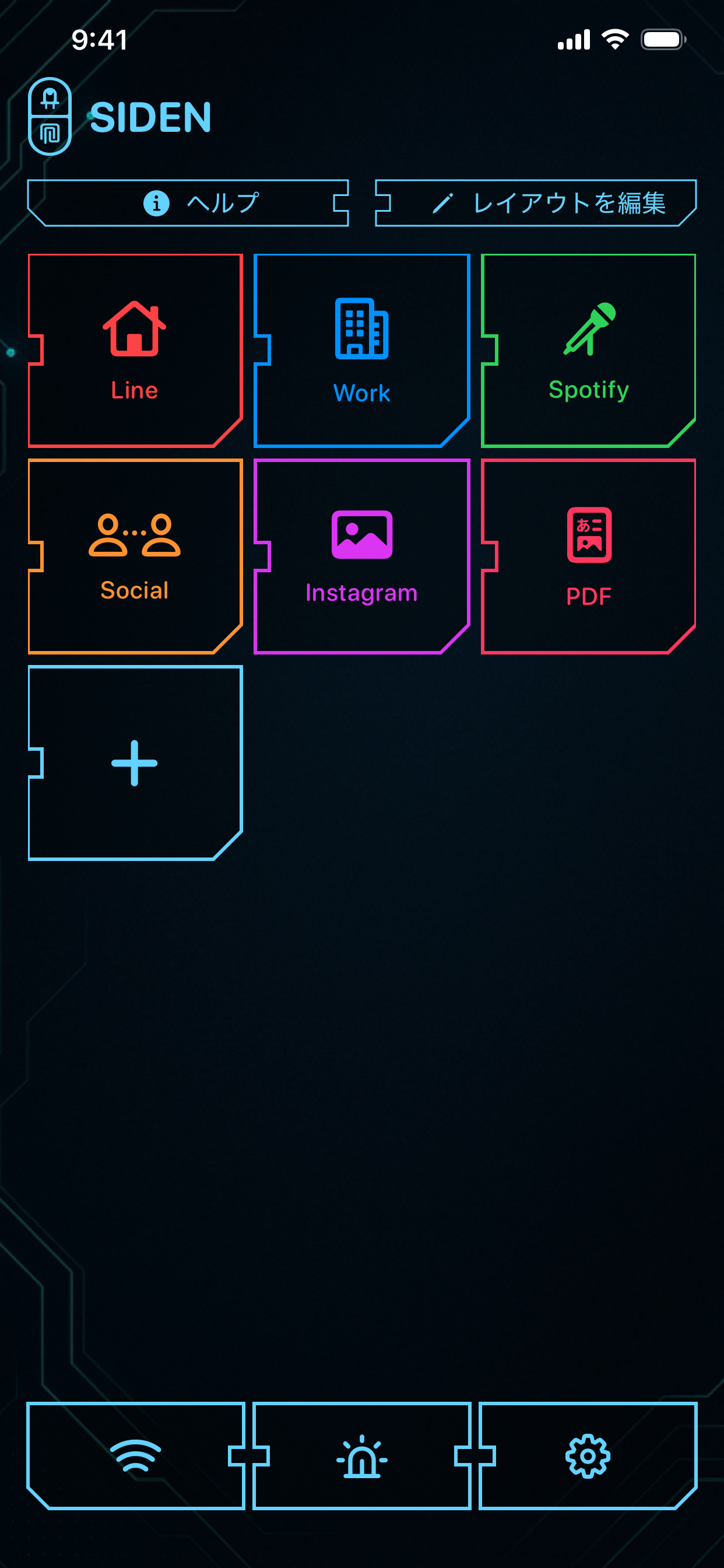
A high-density neon tile layout for managing your most-used implant actions.
高密度なネオンタイル・レイアウトにより、頻繁に使うアクションを直感的に管理。
Full support for Web, Phone, SMS, Email, and Custom URI schemes.
Web、電話、SMS、メール、そして高度なカスタムURIスキームまで幅広くサポート。
Commit payloads to memory via highly optimized NFC write sessions designed for glass implants.
ガラス・インプラント向けに最適化されたNFCセッションを通じて、ペイロードをメモリに確実に書き込み。
Scan external QR codes to ingest URLs directly into the SIDEN write buffer.
外部のQRコードをスキャンして、URLをそのままSIDENの書き込みバッファへ取り込み。
Send URLs and text from any app into SIDEN using the native iOS Share Sheet.
iOSの共有シートを使って、他のアプリからURLやテキストをSIDENへ直接送信。
Use your implant's LED as a diagnostic tool to locate the optimal NFC sweet spot.
インプラントのLEDを診断ツールとして使い、iPhoneのNFCスイートスポットを視覚的に特定。
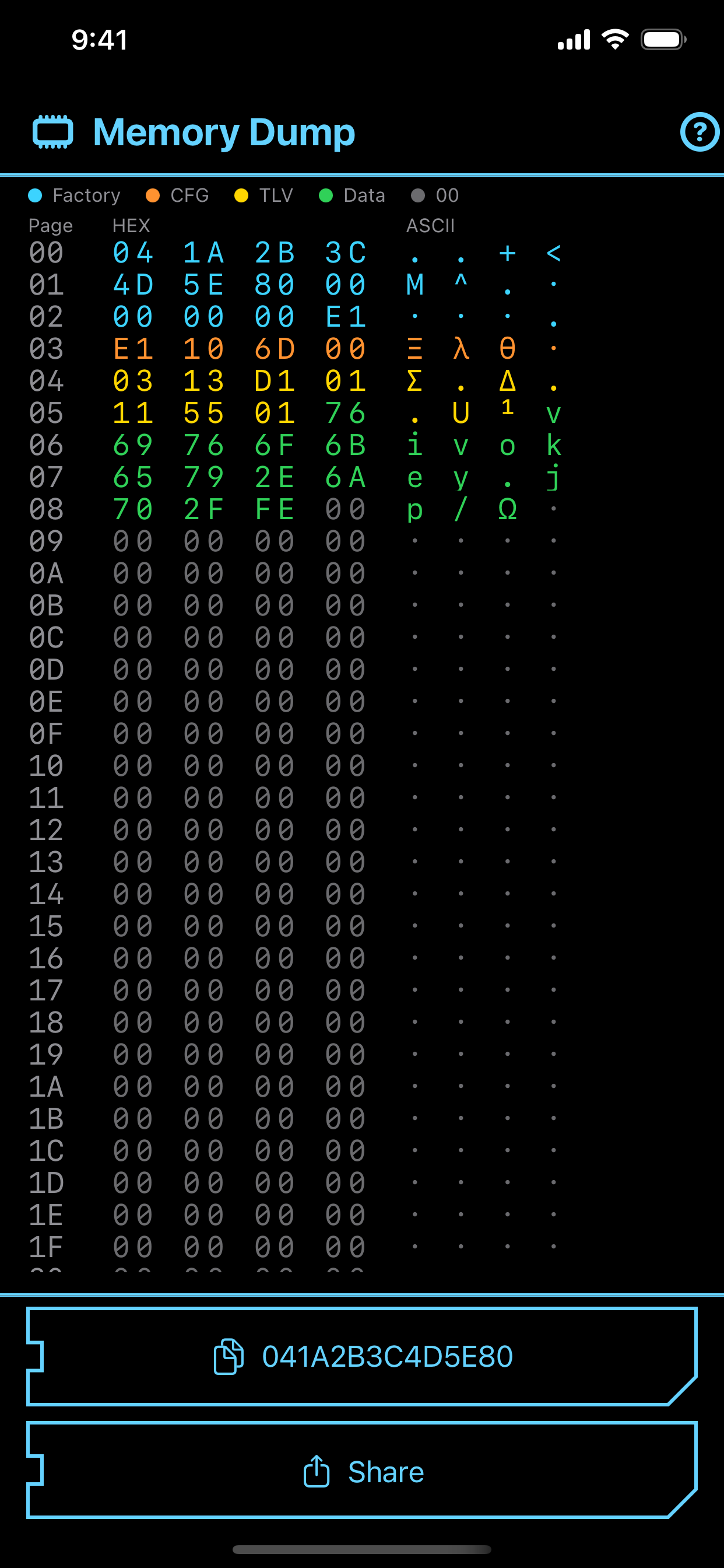
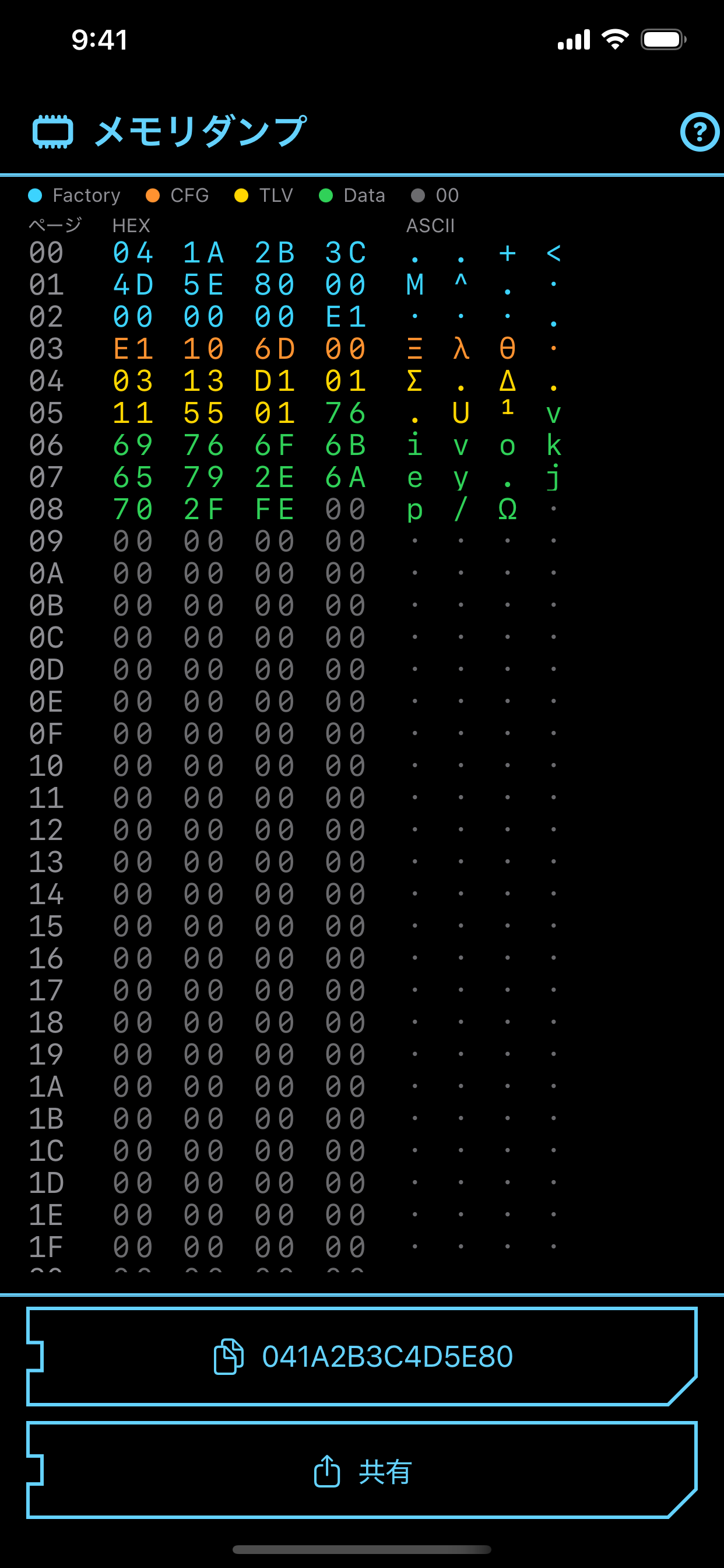
Read sector 0 in hex with a readable symbol legend. Export for technical support or reference.
セクタ0を16進数で読み取り、シンボル凡例と共に表示。技術サポートや参照用にエクスポートも可能。
Init NDEF: Reset Capability Container and TLV.
NDEF初期化: CC(Capability Container)とTLVをリセットし、クリーンな開始点を作成。
Full Wipe: Zero-fill user pages (05–E1).
フルワイプ: ユーザーページ(05–E1)をゼロ埋め。チップを初期状態に戻す際に有効。
Scan your implant to read UID, records, and memory status.
インプラントをスキャンして、UID、レコード、メモリの状態を確認。
Save a scanned record or create a new tile for the action you want.
スキャンしたデータを保存するか、新しいアクションタイルを作成。
Write the tile back to the implant when you are ready.
準備ができたら、作成したタイルをインプラントへ書き戻し。
Use Memory Dump, Init NDEF, or Full Wipe when deeper control is required.
深い制御が必要なセットアップやトラブルシューティングには、各種テクニカルツールを活用。